
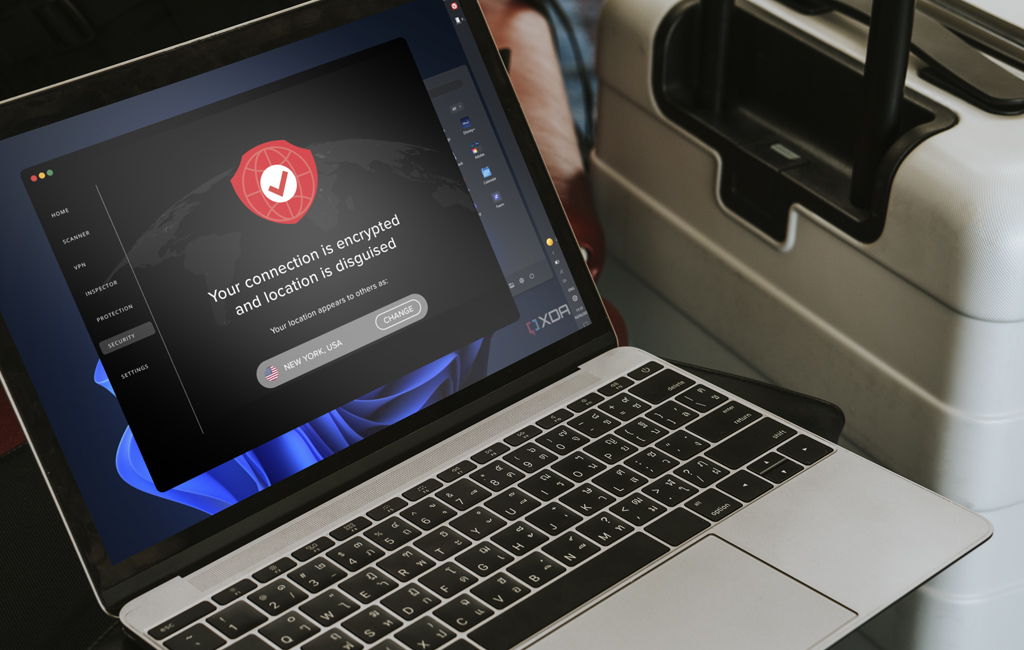

Concerns about online privacy, security and access have reached an all-time high. It’s not hard to see why, with internet service providers routinely tracking browsing habits, advertisers building detailed profiles for targeted ads, and geo-restrictions limiting what you can access from different locations. Virtual Private Networks (VPNs) have emerged as a popular solution, but do you actually need one?
A VPN is a service that creates an encrypted connection between your device and the internet, routing your traffic through a secure server. This masks your IP address and makes your online activity more difficult to track. While VPNs offer compelling benefits, they’re not necessary for everyone.
* * *
What Does a VPN Do?
Before deciding if you need a VPN, it’s important to understand what it actually does (and what it doesn’t do).
What a VPN Does:
- Encrypts data traveling between your device and the internet, making it unreadable to anyone intercepting it
- Hides your real IP address by routing your connection through a VPN server, masking your location
- Creates a secure tunnel for your internet traffic, protecting it from snooping on unsecured networks
What a VPN Does NOT Do:
- Provide complete anonymity (your VPN provider can still see your activity unless they have a strict no-logging policy)
- Protect you from malware, viruses or phishing attacks (you still need antivirus software and safe browsing habits)
- Guarantee zero trust in all scenarios (you’re transferring trust from your ISP to your VPN provider)
- Make you immune to all forms of tracking (cookies, browser fingerprinting and account logins can still track you)
* * *
Common Reasons People Use VPNs
Understanding why others use VPNs can help you assess whether these benefits align with your own needs.
Protecting Yourself on Public Wi-Fi: Coffee shops, airports, hotels and other public hotspots are notoriously insecure. Without encryption, hackers on the same network can potentially intercept your data, steal passwords or monitor your activity. A VPN encrypts your connection, making you a much harder target for these attacks.
Adding Extra Security at Home: Even your home network isn’t foolproof. If your Wi-Fi is misconfigured, uses weak passwords, or hasn’t been updated with the latest security patches, it could be vulnerable. A VPN adds an extra layer of protection, ensuring your data remains encrypted even if your home network is compromised.
Accessing Content While Traveling: When you’re abroad, you may find that your favorite streaming services show different content, or that you can’t access certain home-country services due to geo-blocking. A VPN allows you to connect to a server in your home country, making it appear as though you’re browsing from there.
Avoiding ISP Throttling: Some internet service providers deliberately slow down specific types of traffic—such as streaming video or gaming—during peak hours. By encrypting your traffic, a VPN prevents your ISP from seeing what type of content you’re accessing, making it harder for them to throttle your connection selectively.
Reducing Tracking and Targeted Ads: Advertisers and data brokers track your IP address and browsing habits to build detailed profiles for targeted advertising. By masking your IP address and encrypting your traffic, a VPN makes it significantly harder for these entities to track you across different websites.
Working Remotely with Sensitive Data: If you handle confidential information or need to access company networks remotely, a VPN provides an essential security layer. Many businesses require employees to use VPNs to ensure that sensitive data doesn’t travel across the internet unprotected.
* * *
Situations When You Might Not Need a VPN
VPNs aren’t universal necessities, and there are scenarios where the benefits may not justify the costs or complexity.
Low-Risk Internet Activity: If you primarily use the internet for activities that don’t involve sensitive information—such as reading news, watching publicly available content, or browsing social media—and you’re not particularly concerned about being tracked, a VPN may be overkill.
Already Strong Security Setup: If you have a well-configured home network with strong passwords, updated firmware, WPA3 encryption and regularly updated devices, your baseline security may already be quite good. In this case, a VPN adds only marginal benefits for home use.
Free VPN Trade-Offs: Free VPNs often come with significant drawbacks: limited bandwidth, slower speeds, weak encryption, intrusive ads and questionable privacy policies. Some free VPNs have been caught logging and selling user data—the very thing you’re trying to protect against. If your only option is a free VPN, make sure you go with a reputable one.
Legal Restrictions: In some countries, VPN use is restricted, heavily regulated, or outright illegal. Before using a VPN, make sure you understand the legal landscape in your location. Using a VPN in places where it’s prohibited could result in fines or other penalties.
* * *
Weighing the Trade-Offs
Like any technology decision, using a VPN involves trade-offs that you should carefully consider.
Cost vs. Benefit: Quality VPN services typically require a subscription fee, ranging from $3 to $15 per month or more depending on the provider and plan length. While this isn’t expensive by most standards, it’s an ongoing cost. Free alternatives exist, but as mentioned, they often compromise on privacy, security, or performance—the very things you’re seeking a VPN for in the first place.
Impact on Speed and Performance: VPNs can slow down your internet connection because your data has to travel an extra distance (to the VPN server and back) and be encrypted/decrypted. The impact varies based on factors like your base internet speed, the VPN provider’s infrastructure, and the distance to the server you’re connecting to.
For example, connecting to a local server might result in minimal slowdown, while connecting to a server on another continent could significantly increase latency and reduce speeds. In practical terms, you might see 10-20% slower speeds with a good VPN on nearby servers, but potentially 50-70% slower speeds on distant servers.
Trust in Your VPN Provider: When you use a VPN, you’re essentially shifting trust from your ISP to your VPN provider. If your provider logs your activity, operates under a jurisdiction with invasive data laws, or gets hacked, your privacy could still be compromised. This makes it crucial to choose a reputable provider with a verified no-logging policy, ideally one that has undergone independent security audits.
* * *
How to Decide If a VPN Is Right for You
To determine whether you need a VPN, ask yourself these key questions:
Do I frequently connect to public or unsecured Wi-Fi networks?
If you regularly work from coffee shops, travel often, or use airport Wi-Fi, a VPN provides valuable protection against potential threats on these networks.
Do I care significantly about my online privacy and being tracked?
If you’re uncomfortable with your ISP, advertisers or other third parties monitoring your online activity, a VPN helps reduce this tracking considerably.
Do I travel internationally or need to access geo-restricted content?
If you want to maintain access to home-country services while abroad or access content that’s not available in your region, a VPN is an effective solution.
Do I work with sensitive data or connect to remote networks?
If your job involves confidential information, client data or accessing company resources remotely, a VPN is often essential for maintaining security.
Am I willing to pay for a quality service?
Good VPNs require investment. If you’re comfortable with a monthly or annual subscription fee and want reliable performance and privacy, a paid VPN makes sense. If you’re only considering free options, carefully evaluate whether the limitations and potential privacy risks are acceptable.
* * *
What to Look for When Choosing a VPN
If you’ve decided a VPN is right for you, here’s what to prioritize when selecting a provider:
Strong Encryption and Secure Protocols: Look for AES-256 encryption (military-grade) and modern protocols like OpenVPN, WireGuard, or IPsec/IKEv2. These provide the best balance of security and performance.
No-Logging Policy: Choose a provider with a clear, verified no-logging policy that has been independently audited. This ensures the company isn’t keeping records of your online activity.
Broad Server Coverage: A provider with servers in many countries and locations gives you more options for connecting to nearby servers (for better speeds) or specific regions (for accessing geo-restricted content).
Kill Switch Feature: This automatically disconnects your internet if the VPN connection drops, preventing your data from being exposed accidentally.
Multiple Device Support: Ensure the VPN allows simultaneous connections on all your devices—phone, laptop, tablet, etc.
Reasonable Pricing and Trial Options: Look for providers offering free trials or money-back guarantees so you can test the service before committing. Compare pricing across different plan lengths, as annual subscriptions often offer significant savings.
Responsive Customer Support: When issues arise, you want access to helpful support via live chat, email, or comprehensive documentation.
* * *
FAQs and VPN Myths
Will a VPN make me completely anonymous?
No. While a VPN significantly enhances your privacy, it doesn’t provide complete anonymity. You can still be tracked through cookies, browser fingerprinting, account logins and other methods. Your VPN provider also has the technical capability to see your activity unless they maintain a strict no-logging policy.
Is it legal to use a VPN in my country?
In most countries, VPN use is completely legal. However, some nations restrict or ban VPNs, including China, Russia, Iran, and the UAE. Even where legal, using a VPN to engage in illegal activities remains illegal.
Do I need a VPN on all my devices or just some?
This depends on how you use each device. If you frequently use your laptop on public Wi-Fi but only use your phone at home, you might prioritize VPN protection on the laptop. That said, mobile devices are increasingly used for sensitive activities like banking, making them worth protecting too.
Can a VPN protect me from malware or phishing?
Not directly. A VPN encrypts your connection but doesn’t scan for malware or identify phishing sites. You still need antivirus software, safe browsing practices, and common sense to protect against these threats.
Do I need a VPN for my phone?
If you use your phone on public Wi-Fi, access sensitive information, or want to maintain privacy while on cellular networks, then yes. Most quality VPN providers offer mobile apps that are just as easy to use as their desktop versions.
Will a VPN stop ads?
Not necessarily. While some VPNs include ad-blocking features, a VPN primarily prevents tracking rather than blocking ads. You may still see ads, but they’ll likely be less targeted since advertisers can’t easily track you across sites.
* * *
The Final Takeaway
So, do you need a VPN? If you’ve made it this far, you’ve probably realized that the answer depends entirely on your individual circumstances, needs and online habits.
A VPN offers valuable protection if you frequently use public Wi-Fi, care deeply about privacy, travel internationally, work with sensitive data, or want to bypass geo-restrictions. It adds a significant layer of security and privacy that can be well worth the modest cost.
However, if your internet use is low-risk, you have strong existing security measures, or you’re not willing to accept the performance and cost trade-offs, a VPN might not be essential for you right now.
If you’re uncertain, consider trying a reputable VPN service that offers a free trial or 30-day money-back guarantee. Use it for a month and evaluate whether you notice the benefits, whether the performance impact bothers you, and whether you value the added protection enough to continue.
Remember that your needs may change over time; traveling more, handling more sensitive information, or developing greater privacy concerns could all shift the calculation in favor of using a VPN.
Ultimately, a VPN is a tool, not a necessity. The key is understanding what it can and cannot do, and making an informed decision based on your specific situation.
Salon has affiliate partnerships, which means we may get a share of the revenue from purchases made through links on this article.
